Cinematische Immobilien
Marble Videos
Verwandle Listing-Fotos in cinematische Immobilienvideos. Drohnen-Shots, Musik, Marken-Intros – ganz ohne Videograf.












Every video style.
One workflow, from photos to film.
Vertical listing reel
Social-ready 9:16 reel cut from a single set of listing photos — beats, captions and pacing tuned for IG, TikTok and Reels.
One project.
Every cut, every export.
Photo → Video
Drop in multiple listing photos. Out comes a fully cut, scored Marble video.
Music sync
Tracks ready to use in your videos, whether for social media, your website, or listing pages.
- Cinematic Pulse96 BPM
- Sunset Drive112 BPM
- Open House78 BPM
Aspect ratios
One master, three exports: 9:16 for socials, 1:1 for feed, 16:9 for MLS.
Branded intros & outros
Logo, address bug, brand colours - customize your videos, so they fit your brand.
Auto-cuts & scene detection
Marble watches the photos, picks the hero frame for each room and times the cuts so the walkthrough flows.
Photos in. Cinema out.
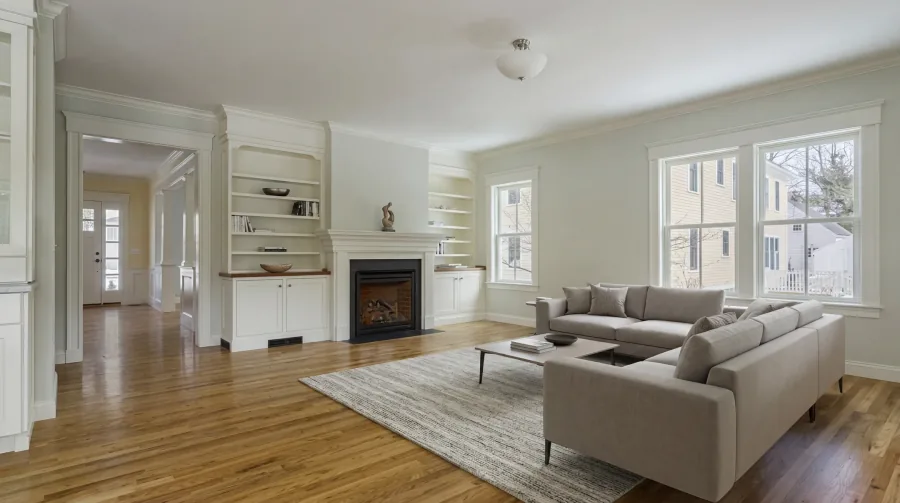
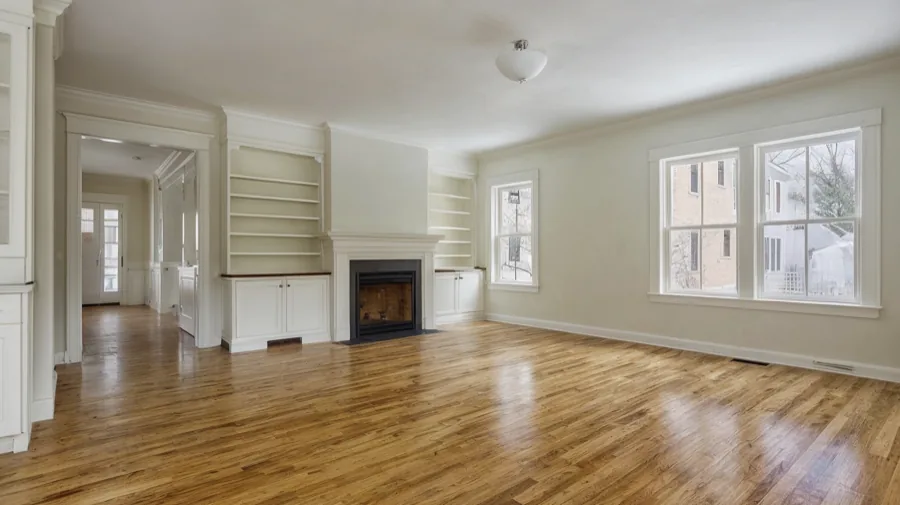
Same listing, in motion.
Drop in the listing photos your photographer already shot. Marble assembles, scores, and cuts them into a finished video.
 01
01 02
02 03
03 04
04Der komplette KI-Stack für dein Team.
Einfach genug für den Start. Stark genug fürs Wachstum.
Fragen & Antworten
Jedes Listing-Foto wird zu einem 6- bis 15-sekündigen Bewegungsclip, und Marble fügt die Clips zu einem einzigen Video zusammen – die Endlänge hängt also davon ab, mit wie vielen Fotos du startest. Acht Fotos ergeben typischerweise einen 60- bis 120-sekündigen Walkthrough, sechs Fotos einen kompakteren 40- bis 90-sekündigen Highlight-Clip. Du kannst einzelne Clips vor dem Export trimmen, wenn du einen kürzeren Schnitt für Social Media möchtest.
Ja. Lade einen beliebigen Track hoch, an dem du die Rechte hast – deine eigene Komposition, eine lizenzierte Bibliotheksdatei oder das Signature-Audio deines Maklerbüros – und Marble legt ihn unter den finalen Schnitt. Wenn du keinen Track parat hast, wähle aus unserer integrierten lizenzierten Bibliothek; jeder Song dort ist für kommerzielle Immobiliennutzung freigegeben.
16:9 für MLS, YouTube und Listing-Portale; 9:16 für Reels, TikTok und Stories; 1:1 für Feed-Posts. Du bearbeitest nur einmal – Marble schneidet und framet jedes Seitenverhältnis intelligent neu und hält das Hauptmotiv jeder Aufnahme im sicheren Bereich des Formats.
Nein. Smartphone-Aufnahmen von einem aktuellen iPhone oder Pixel funktionieren – Marble führt vor dem Schnitt automatisches Upscaling, Entrauschen und Color-Matching durch. Mehr Fotos und bessere Abdeckung (Weitwinkel jedes Raums) ergeben jedoch reichhaltigere Videos. Acht bis zwanzig Aufnahmen sind der Sweet Spot.
Ja. Lege Logo, Markenfarben, Address-Bug-Schrift und Intro-/Outro-Vorlage einmal auf Workspace-Ebene fest – jedes Video, das ein Teammitglied exportiert, verwendet diese Standards. Der Wechsel der Marke pro Listing (z. B. für ein Co-Listing) erfolgt mit einem Dropdown.
Marble exportiert standardmäßig ein MP4 (H.264, 1080p) für MLS sowie Varianten pro Seitenverhältnis für die aktivierten Plattformen (IG Reel, TikTok, YouTube Shorts, X). Jeder Export bleibt unter den Datei- und Längen-Limits der Zielplattform, sodass das Hochladen ohne erneutes Encoding funktioniert.
Teste Marble kostenlos.
Buche eine 20-minütige Team-Demo. Oder kontaktiere den Vertrieb.