For listing presentation
Marble Floorplans
Turn any flat plan into a clean, isometric 3D render. Print-ready in seconds — no CAD operator required.












Any plan in.
Any space, any scale.
Studio apartment
A single open room with a bath inset and kitchenette — Marble captures the full envelope and the integrated fixtures from a one-page sketch.
One plan format in.
Every output you need.
Plan → Render
Drop in a flat floor plan. Out comes a print-ready isometric render with every wall, door and fixture preserved.
Furnished & unfurnished
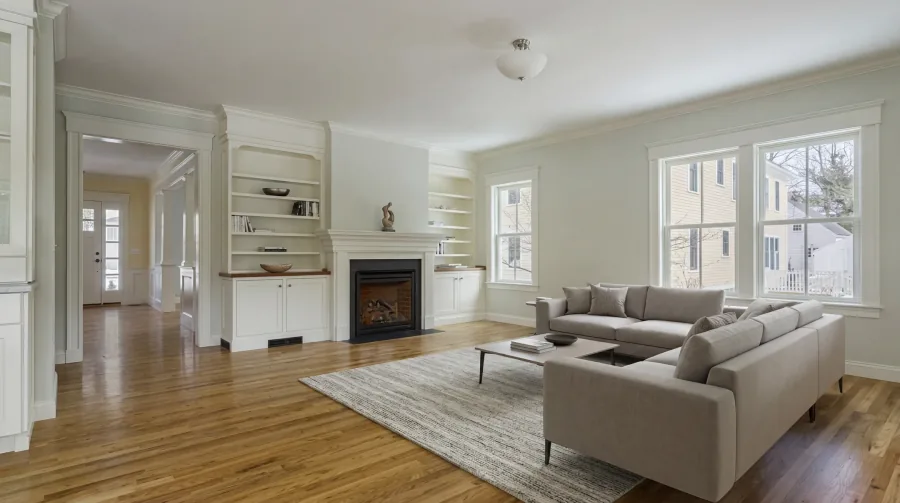
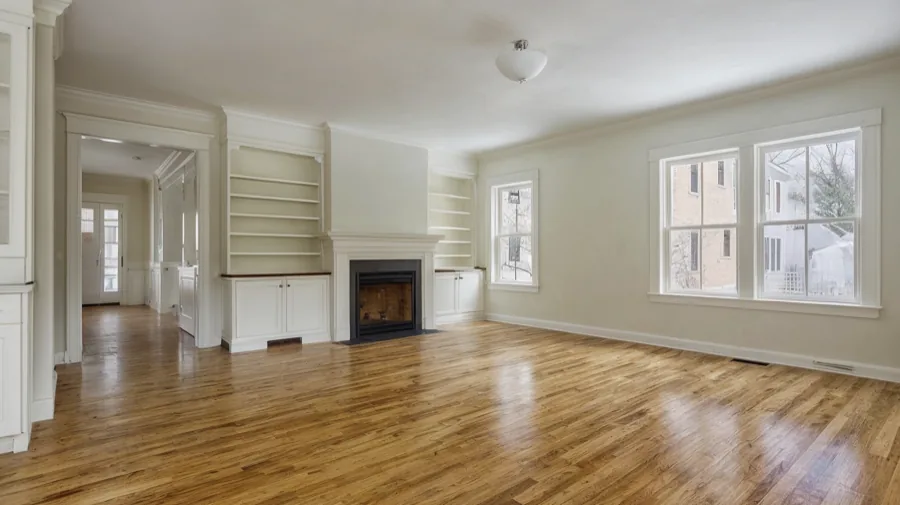
Toggle staging on per render. Marble sizes beds, sofas and tables to each room — no manual drag-and-drop.
Brand colours
Set wall, floor and accent colours at the workspace level — every render exports on-palette by default.
Print-ready exports
PNG transparent for web, PDF for brochures, SVG vector for editing. One render, every format you need.
- PDFPDF — Print brochureReady · 3.2 MB
- PNGPNG — TransparentReady · 3.2 MB
- SVGSVG — VectorReady · 3.2 MB
Annotations & dimensions
Automatic dimension lines, room labels and area calculations baked into every export.
Bulk plans
Render an entire development in one job. Upload every floor and Marble keeps the stacking and labelling consistent.
The complete AI stack for your team.
Simple enough to start. Powerful enough to grow.

Questions & answers
Just about anything you can hand a draughtsman: JPG and PNG of any floor plan (architect's drawing, agent's measured sketch, a developer's brochure page), PDF, DWG/DXF if you already have CAD files, and even a hand-drawn sketch from a notepad. Marble's vision model resolves wall positions and doorway openings from each.
Marble preserves wall positions, door openings and room proportions true-to-scale. Standard residential plans (60–150 m²) render within ±2 cm of the source measurements. If you provide a DWG or DXF the accuracy tightens further because the wall positions are vector-defined rather than inferred from a raster.
Yes. Toggle 'Furnished' mode on any render and Marble adds appropriately sized beds, sofas, dining tables and rugs based on each room's detected function and dimensions. Staging is configurable per project — pick a furniture style (Scandinavian, modern, classic) at the workspace level and every staged render honours it.
PNG with a transparent background for marketing collateral, PDF for print brochures, SVG vector for editing in Illustrator or Figma, and high-resolution TIFF for large-format prints up to A1. Every export carries the same render — pick the formats you need at the moment of export.
Yes. Set wall, floor, accent and furniture colours at the workspace level. Every render any team member exports uses those palettes by default — no per-listing adjustment required. Branding rules can be overridden on a per-project basis for white-label work or co-listings with another agency.
Standard residential plans between 60 and 150 m² render in around 45 seconds. Larger multi-floor or commercial plans up to 1000 m² take two to four minutes. Bulk jobs (an entire building of 12+ plans) run in parallel and complete within ten minutes. We email you when each export is ready — no need to keep the tab open.
Yes. Upload every floor plan at once and Marble keeps the stacking consistent — same wall positions, same scale, same colour palette across every level. Each floor exports as an individual render labelled (Floor 1, Floor 2…) and you can optionally request an axonometric overview showing all floors together for the cover of a brochure or sales deck.
Try Marble for free.
Book a 20-minute team demo. Or talk to sales.