Cinematic real estate
Marble Videos
Turn listing photos into cinematic real-estate videos. Drone-style shots, music, branded intros — no videographer needed.












Every video style.
One workflow, from photos to film.
Vertical listing reel
Social-ready 9:16 reel cut from a single set of listing photos — beats, captions and pacing tuned for IG, TikTok and Reels.
One project.
Every cut, every export.
Photo → Video
Drop in multiple listing photos. Out comes a fully cut, scored Marble video.
Music sync
Tracks ready to use in your videos, whether for social media, your website, or listing pages.
- Cinematic Pulse96 BPM
- Sunset Drive112 BPM
- Open House78 BPM
Aspect ratios
One master, three exports: 9:16 for socials, 1:1 for feed, 16:9 for MLS.
Branded intros & outros
Logo, address bug, brand colours - customize your videos, so they fit your brand.
Auto-cuts & scene detection
Marble watches the photos, picks the hero frame for each room and times the cuts so the walkthrough flows.
Photos in. Cinema out.
Same listing, in motion.
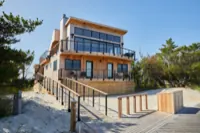
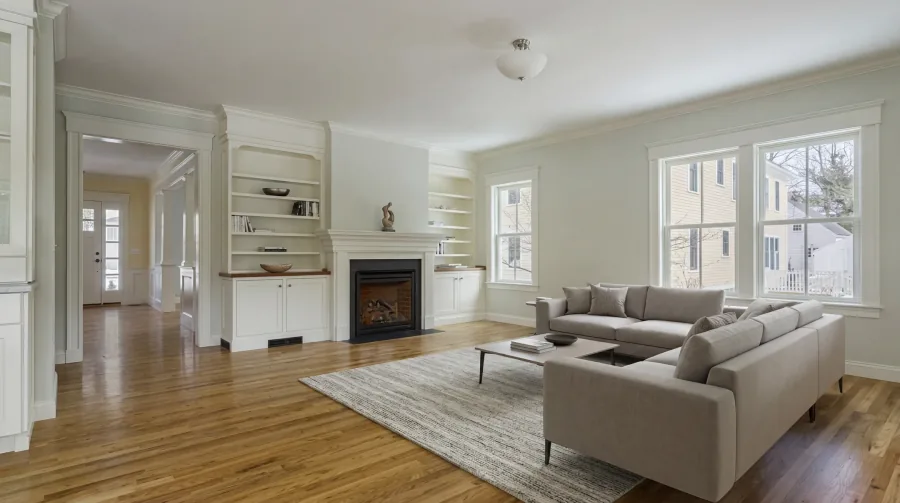
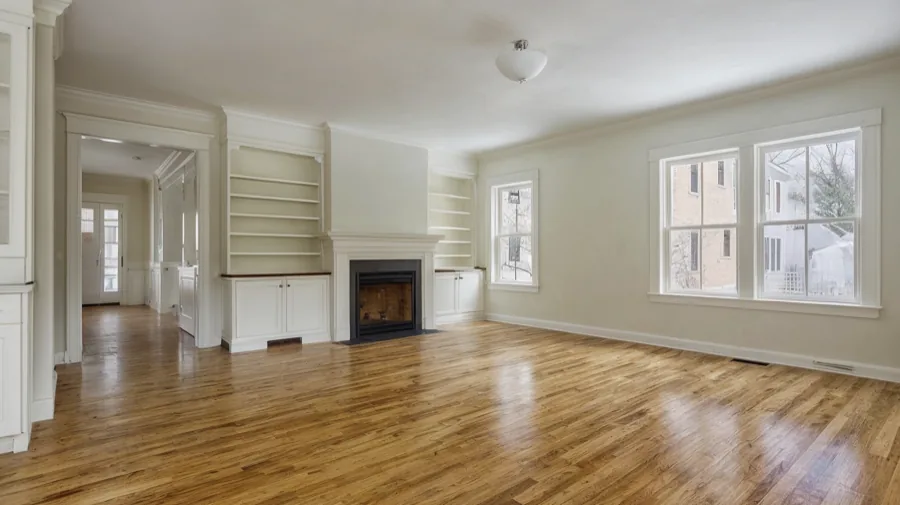
Drop in the listing photos your photographer already shot. Marble assembles, scores, and cuts them into a finished video.
 01
01 02
02 03
03 04
04The complete AI stack for your team.
Simple enough to start. Powerful enough to grow.
Questions & answers
Each listing photo becomes a 6-to-15-second motion clip, and Marble stitches the clips together into a single video — so the final length depends on how many photos you start with. Eight photos typically produces a 60-to-120-second walkthrough; six photos a tighter 40-to-90-second highlight. You can trim individual clips before exporting if you want a shorter cut for socials.
Yes. Upload any track you have rights to — your own composition, a licensed library file, or your brokerage's signature audio — and Marble will lay it under the final cut. If you don't have a track ready, pick from our built-in licensed library; every song there is cleared for paid commercial real-estate use.
16:9 for MLS, YouTube and listing portals; 9:16 for Reels, TikTok and Stories; 1:1 for feed posts. You only edit once — Marble re-cuts and re-frames each aspect ratio intelligently, keeping the hero subject of every shot inside the safe area for that format.
No. Smartphone shots from a recent iPhone or Pixel work fine — Marble runs an automatic upscale, denoise and colour-match pass before cutting the video. That said, more photos and better coverage (wide-angles of every room) produce richer videos. Eight to twenty shots is the sweet spot.
Yes. Set your logo, brand colours, address-bug font and intro/outro template once at the workspace level — every video any team member exports uses those defaults. Switching the brand on a per-listing basis (e.g. for a co-listing) takes one dropdown.
Marble exports an MP4 (H.264, 1080p) for MLS by default, plus per-aspect-ratio variants for the platforms you toggle on (IG Reel, TikTok, YouTube Shorts, X). Each export sits under the file-size and duration limits the destination platform requires, so they upload without re-encoding.
Try Marble for free.
Book a 20-minute team demo. Or talk to sales.